Demos & deep dives
Code walk-throughs, conference talks, and footage from the workbench. Patterns we use day-to-day, plus the ones that didn't quite work out.
Latest videos
Vercel ship 2025: the good bits
Another year, another set of features we are rapidly trying to keep up-to-date with. Vercel Ship 2025 is here, and there's a whole bunch of goodies that dropped that we specifically care about.
Optimizing usage on Vercel
A Vercel community session where Jono answers live questions about optimizing usage: where the costs actually come from on Vercel, and the practical changes that keep image optimization, function invocations, and bandwidth spend under control.

Getting the most out of Turbo Start
Rough cut process of building page builder blocks within Turbo Start Sanity. Watch the schema, queries, and components come together in real time.

Generating AI images inside of Sanity CMS
Looking to use replicate directly inside of Sanity CMS? Well we've got just the plugin for you. You can download it here: https://www.npmjs.com/package/sanity-plugin-image-gen
The best Sanity CMS agency
If you're looking to build a Sanity website, we give you a list of table stakes to make sure you get with every project. Don't settle for less.
How Roboto Studio ships faster with v0
Vercel's first ever community session, featuring us. Jono walks through how we build applications from the ground up with v0, skipping traditional design tools entirely, with real examples like an investment firm site and a financial calculator.
How to use Cursor for Content Generation
How we use Cursor to write docs and blog content. Pull URLs in as context with Cmd+K, build a tone-of-voice guide from any site, and rewrite copy in that voice.
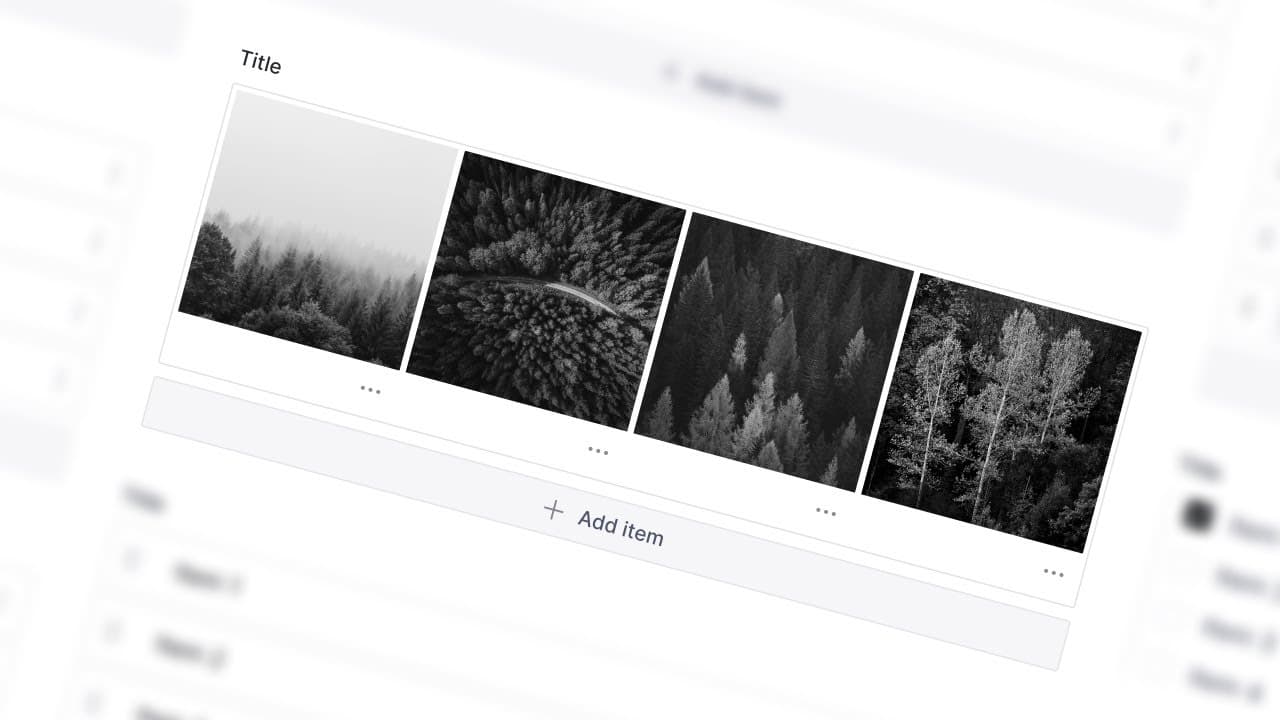
Creating preview Images for page builders in Sanity Studio
Here's a quickfire video showing you how to go from website to page-builder preview images in the shortest time possible with our Figma community file. Shoutout to @amranmohamed377 for the inspiration.
Creating an AI Chatbot in Obsidian
We talk about creating an AI chatbot in Obsidian using Smart Connections. It's basically a really easy way to "talk to your notes" with whatever AI model you like.